
This guidance is specifically designed to help users migrating from Thesaurus Payroll Manager to BrightPay at the start of the tax year.
To facilitate the migration to BrightPay, all employee records can be imported directly from the previous year's version of Thesaurus Payroll Manager.
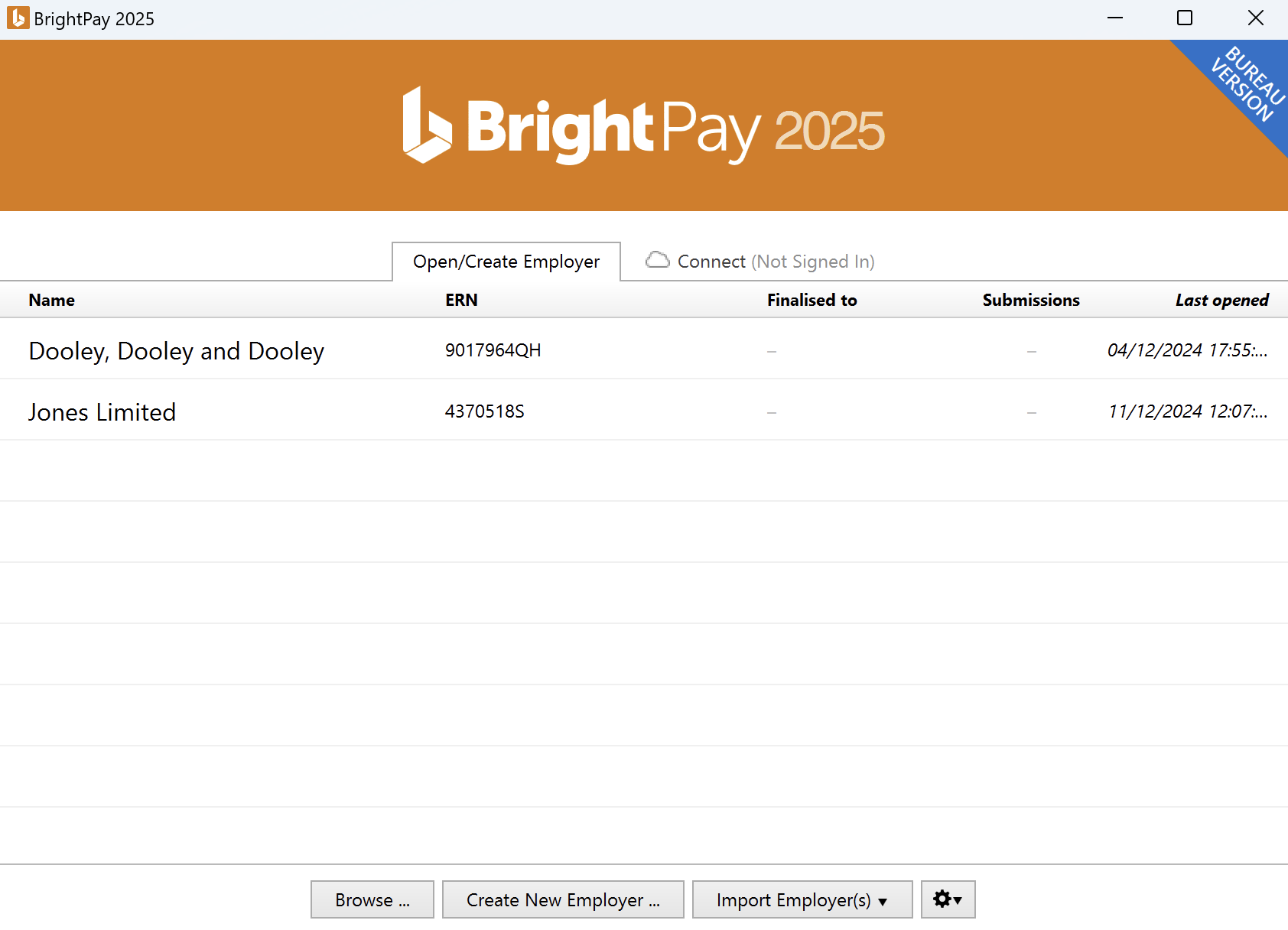
To import your previous year’s company and employee details from Thesaurus Payroll Manager, simply click ‘Import Employer’ on the ‘Open Employer’ screen, followed by ‘Import from Thesaurus Payroll Manager > Start at Beginning of 2025...'
Here you will be given two options – to import from your Thesaurus Payroll Manager installation folder or to import using a Thesaurus Payroll Manager employer backup file:
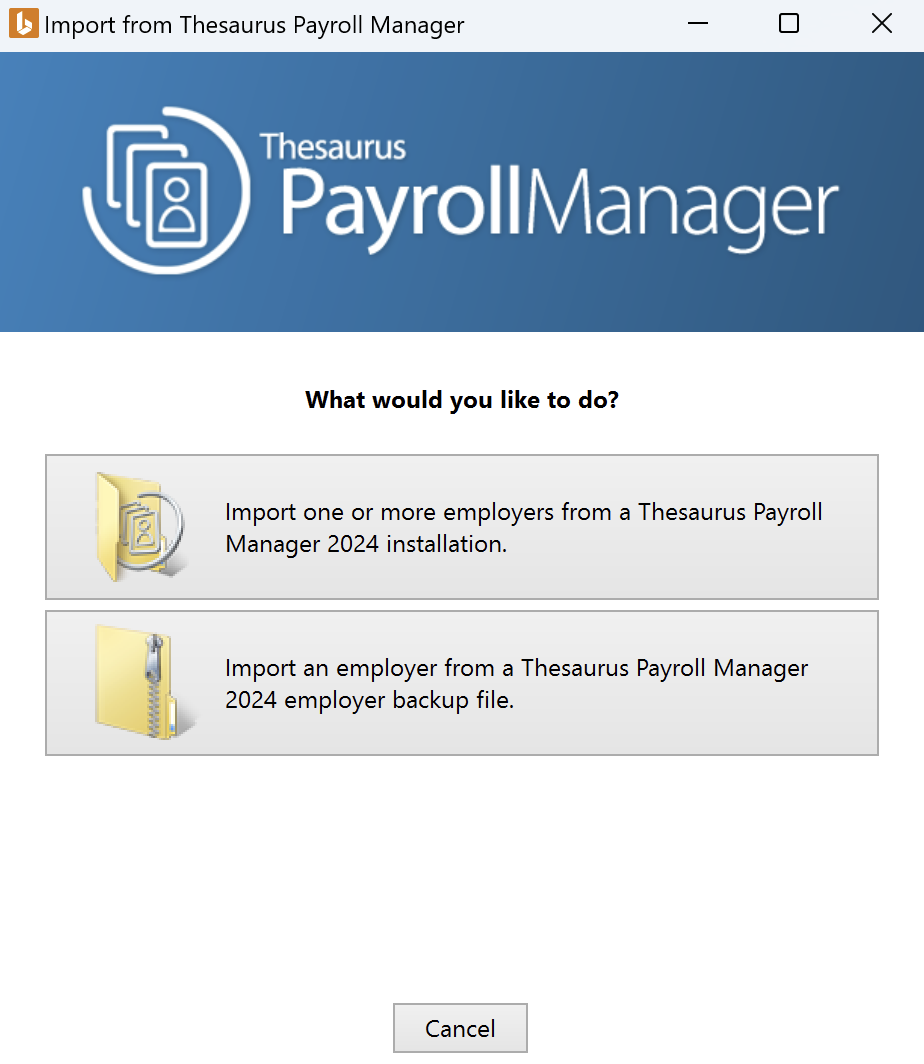
Importing one or more Companies from the Thesaurus Payroll Installation Folder
Before selecting this option, please ensure that Thesaurus Payroll 2024 is not running in the background.
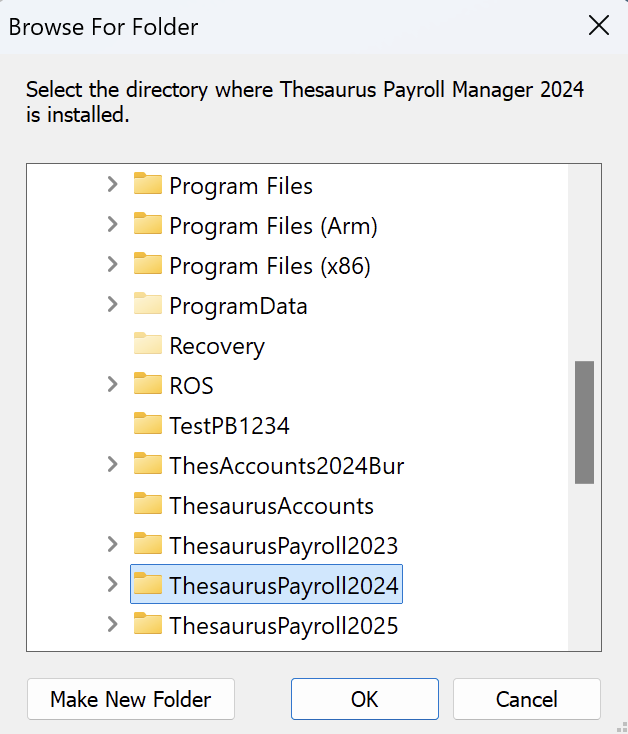
- After selecting this option, select the directory where Thesaurus Payroll Manager 2024 is located and click OK:
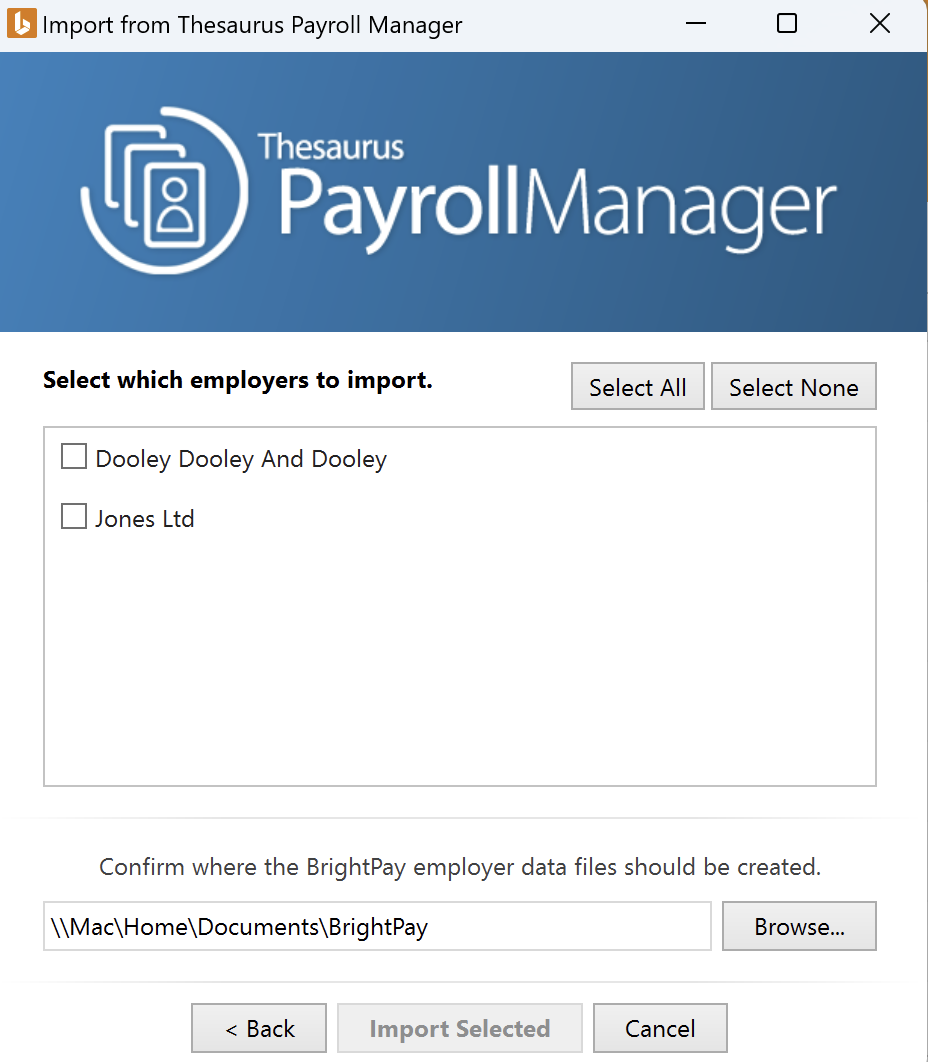
- On the next screen, simply select the employer files which you would like to import and select a location where you would like these employer data files to be created.
- When ready, click ‘Import Selected’.
A confirmation message will appear to confirm the import has been successful. Click OK to continue.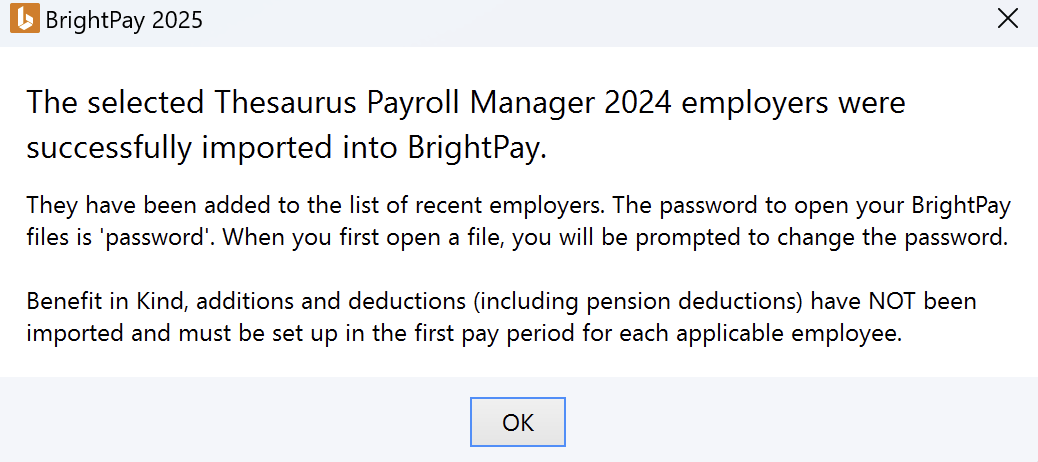
Your employer file(s) will now be available to open on the 'Open Company' screen.
Please note: the password to open your new BrightPay employer file will be reset to ‘password’. When the employer file opens, you will be prompted to change this password if you wish.
Importing from a Thesaurus Payroll Manager Backup File
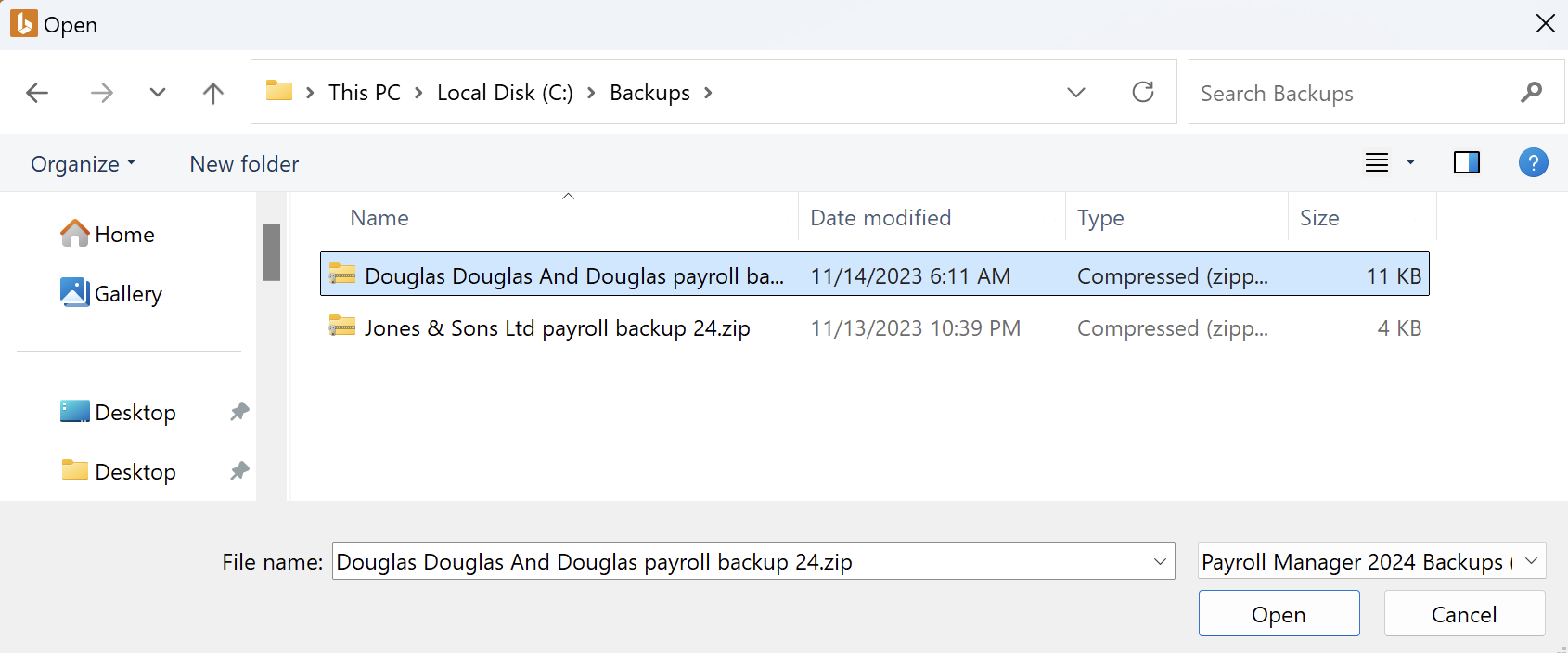
- After selecting this option, browse to the location of your 2024 payroll backup file and click ‘Open’ to start the import.
- A confirmation message will appear to confirm the import has been successful. Click OK to continue.
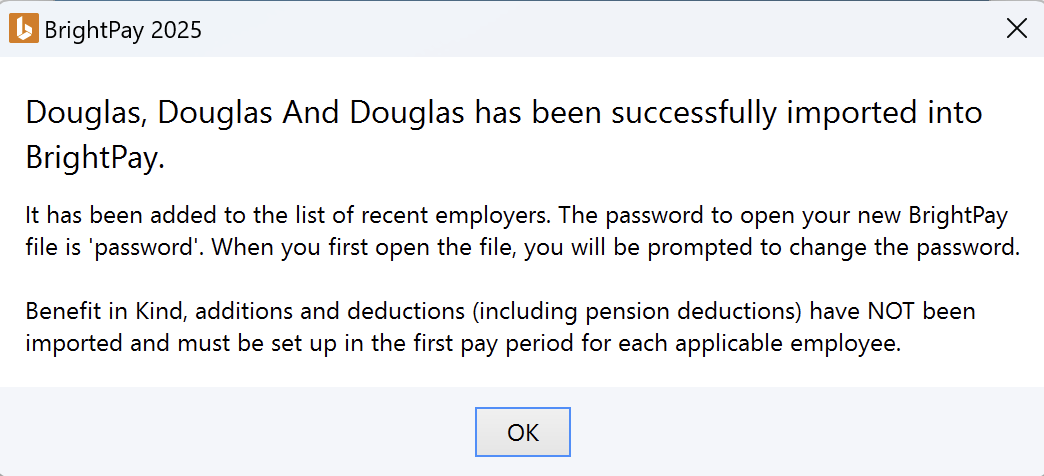
Your employer file(s) will now be available to open on the 'Open Company' screen.
Please note: the password to open your new BrightPay employer file will be reset to ‘password’. When the employer file opens, you will be prompted to change this password if you wish.
Important Note
In both import cases, it is always recommended that all company and employee details are verified before processing any payroll to ensure information imported across is still applicable and correct for the new tax year.
Benefit in Kind, additions and deductions (including pension deductions) will NOT import, therefore these must be set up in the first pay period for each applicable employee.
Comments
0 comments
Article is closed for comments.