
The Revenue Reconciliation utility allows a user to retrieve a breakdown of the total amount of taxes that Revenue have on record for them for each tax month.
This can be used as a comparative tool in case of anomalies between Revenue's records and those within the software.
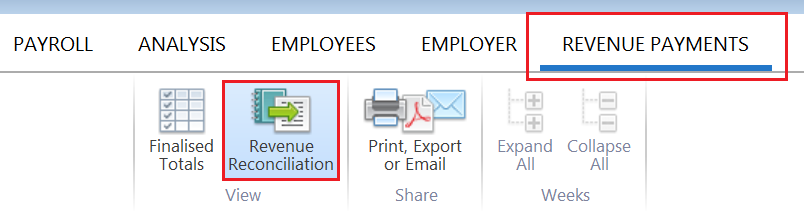
- To access this utility, go to Revenue Payments > Revenue Reconciliation:
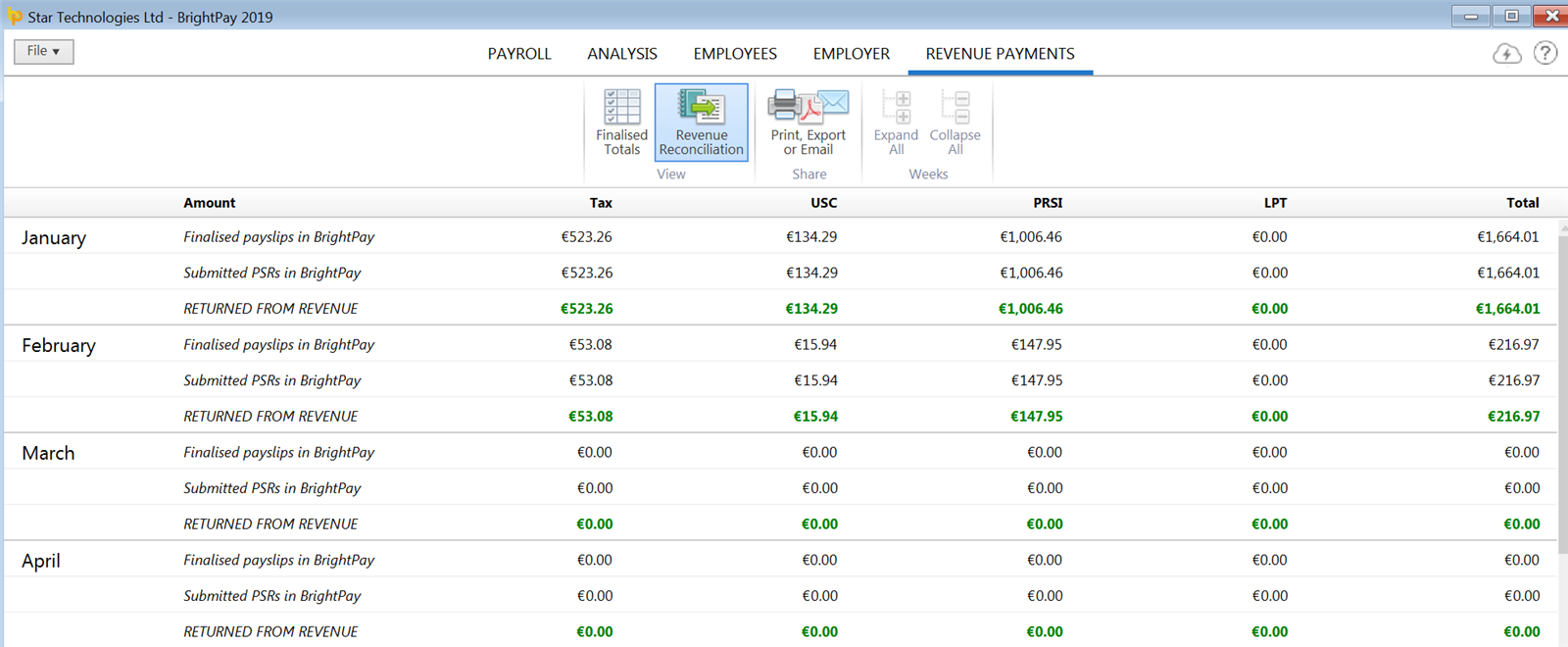
The software will automatically connect to Revenue's systems and subsequently display on screen for each tax month:
- the breakdown of taxes from finalised payslips
- the breakdown of taxes from submitted PSRs
- the breakdown of taxes on record with Revenue
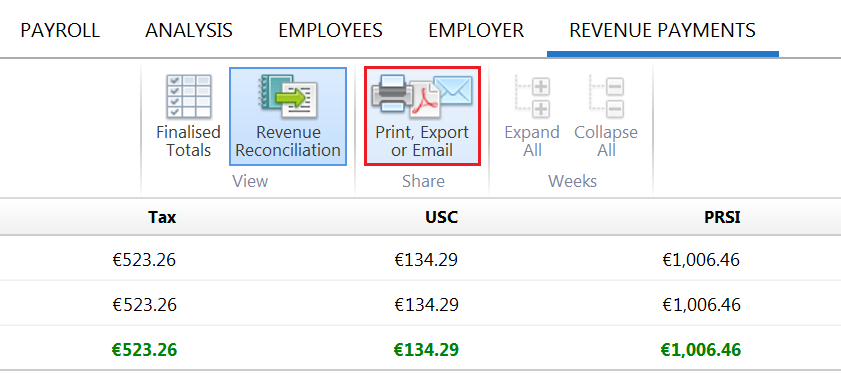
- Should you wish to print, email or export the Revenue Reconciliation at any time, simply click the Print, Export or Email button on the menu bar:
Comments
0 comments
Article is closed for comments.